BREAKING: Target Test Prep releases Brand New 2026 On Demand GMAT prep course
Redeem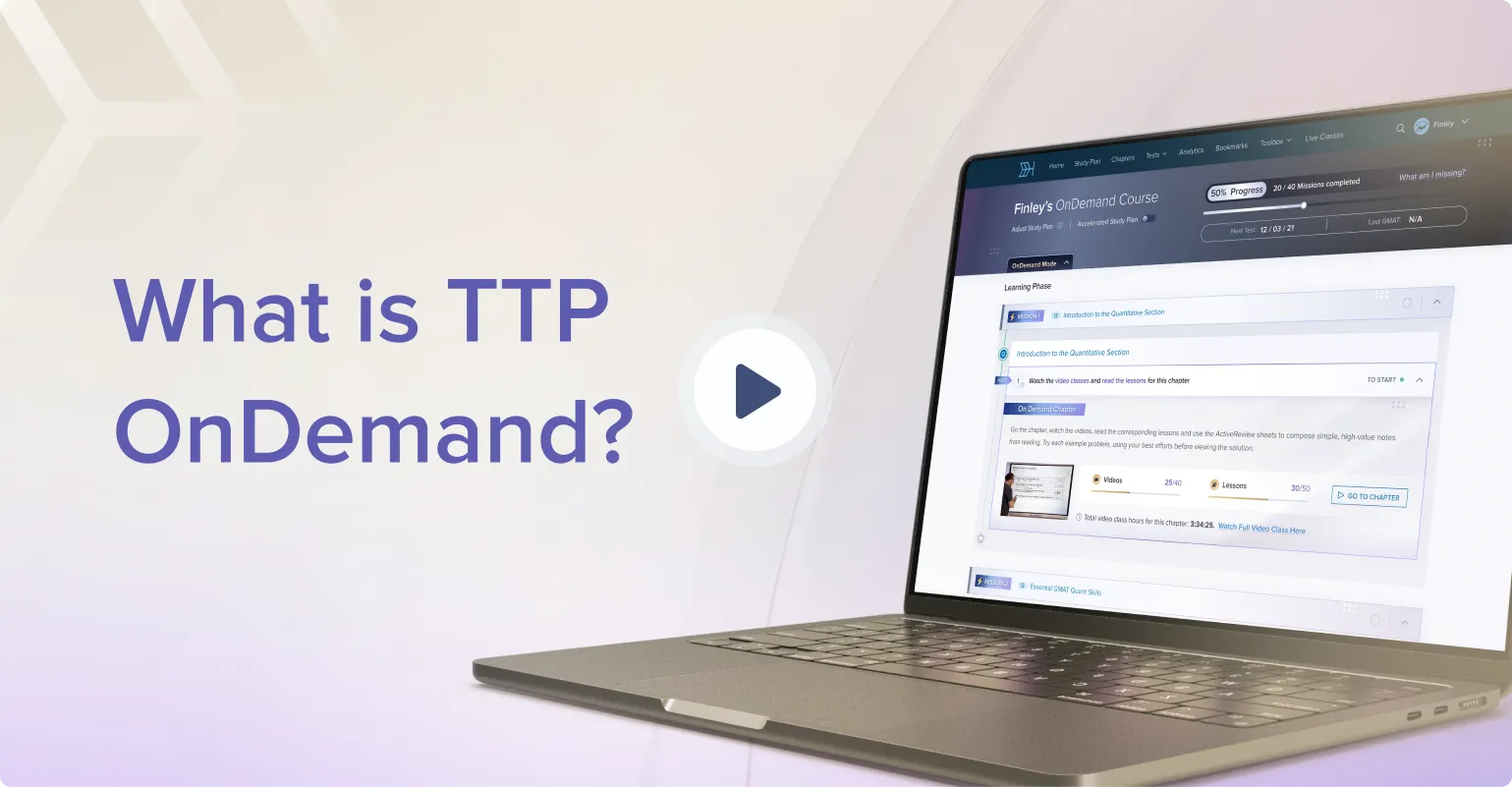
 Featured Course
Target Test Prep GMAT OnDemand
Scott Woodbury-Stewart’s private virtual classroom — 400 hours of master-class video lessons for the GMAT Focus Edition.
- 715+ score guarantee — highest in the industry (99th percentile)
- 52 chapters · 1,500+ lessons · 4,000+ practice questions
- 400 hours of video · 1,500+ instructor-led HD smartboard lessons
- 300,000+ students accepted to Harvard, Stanford, Wharton, Booth & Sloan & more
- 24/7 live support + weekly Zoom office hours with GMAT instructors
- TTP AI Assist — 24/7 AI-powered virtual tutor for instant help
- 1,200+ flashcards + AI-powered study assistant & daily calendar
- OnDemand, LiveTeach & GMAT Bootcamp formats available
- Also: GRE, SAT Math & Executive Assessment courses
- MBA Admissions Consulting now available
- 🏆 2025 EdTech Breakthrough Award: Test Prep Solution Provider of the Year
- 200,000+ students served
- 5-day free trial — $0 to start, no auto-billing, cancel anytime
★★★★★
5.0
(559 reviews)
130-pt guarantee
$0 to start
then $127/mo
GMAT Error Logs Suggestions and Feedback

Source: Beat The GMAT — Suggestions and Feedback |
Hi there-- how do you refresh the data on the "performance summary" tab of the OG tracker guide? It appears as though incorrect data is populating in the chart
Are you using excel 2003?ksemmer wrote:Hi there-- how do you refresh the data on the "performance summary" tab of the OG tracker guide? It appears as though incorrect data is populating in the chart
If so, here is he link with instructions to refresh the pivot table.
https://office.microsoft.com/en-us/excel ... 41033.aspx
Thanks for catching that. I must have missed it when I was testing. Here is the updated file. This one should refresh the pivot table with no problem.ksemmer wrote:When I click the refresh button, an error pops up saying "cannot open PivotTable source file"
- Attachments
-
- og12-gmat-error-log.xls
- (354 KiB) Downloaded 19748 times

Thanks ksemmer for helping us debug that problem!
Beat The GMAT | The MBA Social Network
Community Management Team
Research Top GMAT Prep Courses:
https://www.beatthegmat.com/gmat-prep-courses
Research The World's Top MBA Programs:
https://www.beatthegmat.com/mba/school
Community Management Team
Research Top GMAT Prep Courses:
https://www.beatthegmat.com/gmat-prep-courses
Research The World's Top MBA Programs:
https://www.beatthegmat.com/mba/school
I cannot open it on Numbers, either Mac or iPad.
It says it's encrypted, any password to unprotect it?
It says it's encrypted, any password to unprotect it?
Can you describe what you mean by 'open it on Numbers'--is 'Numbers' a Mac program?
Beat The GMAT | The MBA Social Network
Community Management Team
Research Top GMAT Prep Courses:
https://www.beatthegmat.com/gmat-prep-courses
Research The World's Top MBA Programs:
https://www.beatthegmat.com/mba/school
Community Management Team
Research Top GMAT Prep Courses:
https://www.beatthegmat.com/gmat-prep-courses
Research The World's Top MBA Programs:
https://www.beatthegmat.com/mba/school
Exactly, Numbers the Mac software.
Even in other iPad apps, like Quickoffice, GoodReader, Dropbox, the file it's password protected.
Can I have that password?
Thanks
Even in other iPad apps, like Quickoffice, GoodReader, Dropbox, the file it's password protected.
Can I have that password?
Thanks
I am a Mac user and have Microsoft Excel 2004 for MAC. Every time I download the file there is no problem entering my answers into the grid, however once I "Save" and close the file I can't open it again. I tried to download the file several times and the error is always the same: "Unable to read file". Please let me know what I should do to be able to use it.
Thank you.
Thank you.
Similar to the error log for OG12, do you have logs for OG11 and OG10 as well? OG12 error log is a great tool to track progress and errors with great split to identify weak areas. Would be very useful to have similar logs for OG11 and OG10 as well that I can use for tracking answers on these 2 guides?
Thanks in adv.
Thanks in adv.
Thanks for the updated XLS that addresses the PivotTable problem. I'd respectfully suggest that you update the XLS with one row to tell people how to refresh it (just right-click and hit "refresh data").beatthegmat wrote:Thanks ksemmer for helping us debug that problem!
I noticed the bug was fixed in April, but I signed up June 24 and still received the old version. You may want to consider sending this latest version out with the emails.
Thanks for a great job on this free service.
Sorry for this super late reply, but thanks for the suggestion--making the update right now to the study guide! 
Beat The GMAT | The MBA Social Network
Community Management Team
Research Top GMAT Prep Courses:
https://www.beatthegmat.com/gmat-prep-courses
Research The World's Top MBA Programs:
https://www.beatthegmat.com/mba/school
Community Management Team
Research Top GMAT Prep Courses:
https://www.beatthegmat.com/gmat-prep-courses
Research The World's Top MBA Programs:
https://www.beatthegmat.com/mba/school



















